

For years, projectors and standard screens were the default for presentations, lectures and meetings. Today, expectations have changed. Teams want to write, annotate and share ideas on the spot and teachers want lessons that students can join rather than just watch. If you are exploring interactive display options in Singapore for your office or school, it helps to understand how modern touch technology differs from the traditional setups it is replacing.
Traditional displays include projectors, standard monitors and regular LED TVs. Their primary function is to present visual content, such as images, slideshows and videos. Projectors cast images onto a wall or screen, while televisions provide clear visuals within a fixed screen size.
However, these displays generally support one-way communication, where the presenter shares information and the audience watches. When someone needs to add notes or modify a chart, the discussion may pause while they find a marker or connect another device. Projectors also require proper alignment, sufficient throw distance and suitable lighting conditions. In brightly lit rooms, image clarity can suffer, making content more difficult to see.
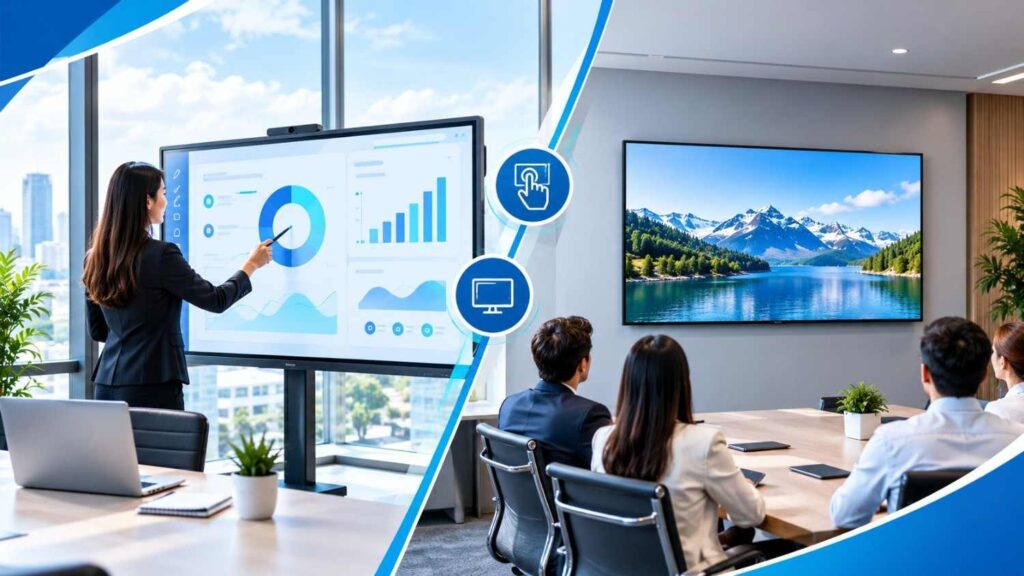
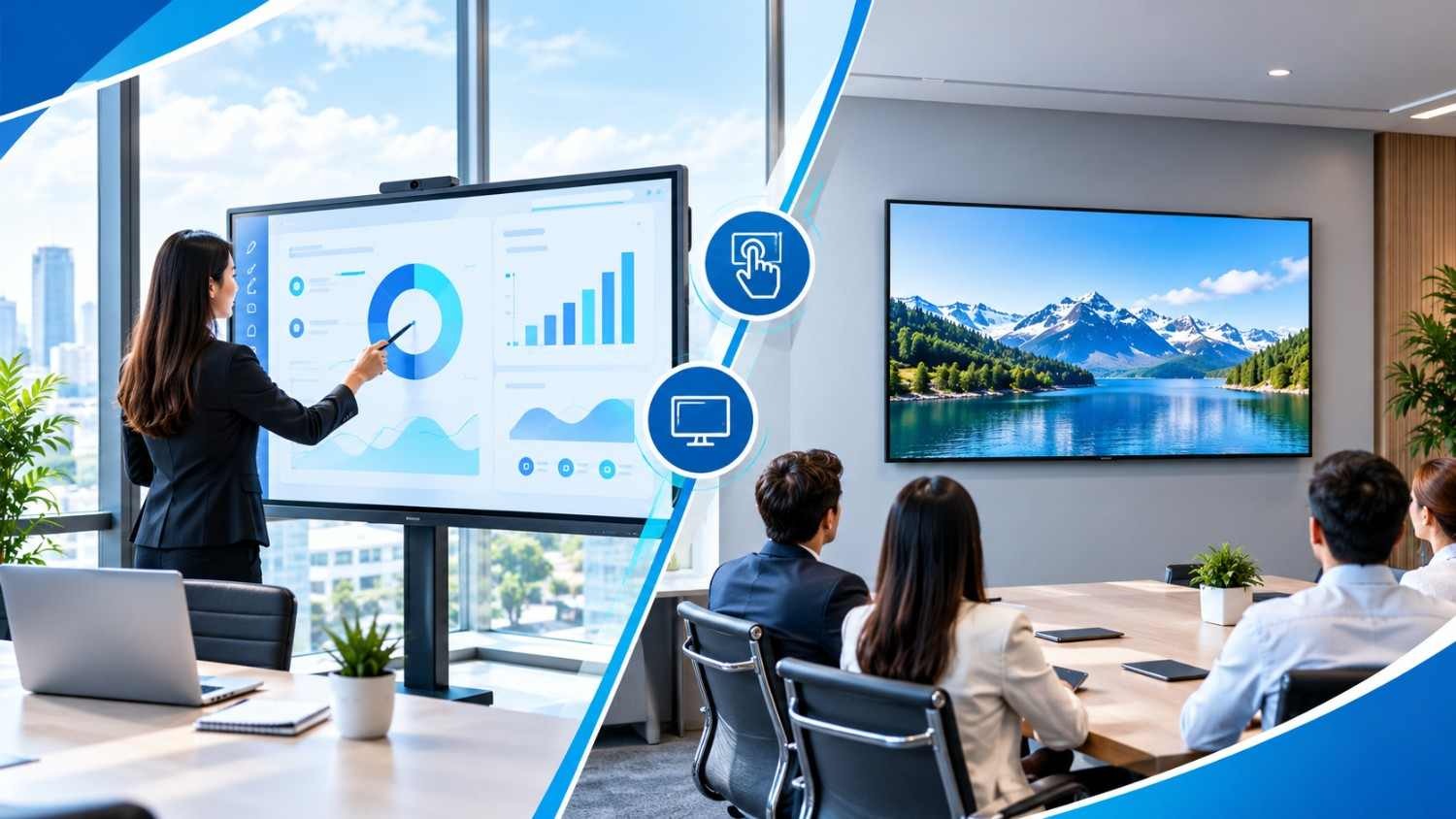
Interactive digital screens respond directly to touch, allowing users to write with a stylus or finger, move objects, zoom in on images and navigate between pages. Many models also support multiple users interacting with the screen simultaneously, transforming it from a simple display into a collaborative workspace.
Beyond touch functionality, these screens combine several tools that would otherwise require separate devices. Digital whiteboarding, presentations and video playback can all take place on the same display. Users can also save and share their notes after a session, saving time and ensuring everyone has access to the same information.
| Feature | Traditional Displays | Interactive Digital Screens |
| Engagement | Primarily passive, with audiences watching the displayed content. | Encourages participation through touch and interactive activities. |
| Collaboration | Mainly displays content prepared or controlled through another device. | Allows multiple users to draw, annotate and edit content together. |
| Setup and space | Projectors require suitable mounting positions, calibration and sufficient projection distance. | Combines display and interactive functions in a single unit, simplifying installation. |
| Versatility | Primarily displays slides, images and videos. | Supports writing, video playback, document editing and web browsing on one screen. |
| Visual clarity | Image quality may be affected by bright ambient lighting. | High-resolution displays and anti-glare surfaces help maintain visibility in well-lit rooms. |
Meetings often stall when tools get in the way. A smart conference room display removes that friction by putting the presentation, whiteboard and video call on one surface. Participants can circle key figures, sketch workflows and update plans while everyone watches the changes happen.
Remote colleagues benefit too. With built-in cameras, microphones and support for platforms like Zoom and Microsoft Teams, a modern conference room display keeps hybrid meetings smooth, so people joining online feel as involved as those in the room.
Students are more likely to engage with lessons when they can participate actively. Teachers can annotate diagrams directly on the screen, play videos alongside discussions, highlight important passages and invite students to solve problems using touch controls. Completed lessons can also be saved and shared for revision, giving students additional opportunities to review the material at their own pace. Compared with a conventional display, an interactive panel offers more opportunities for hands-on learning and classroom participation.
Reliability is just as important as functionality when investing in a display that will be used regularly. Newline and FTI are two brands worth considering for businesses and educational institutions.
Start by considering how the display will be used. A small meeting room, a boardroom and a classroom with thirty students will have different requirements in terms of screen size, functionality and connectivity. Here are the key factors to evaluate:
Working with a local supplier makes the process easier, because they understand space, power standards and the way teams in the region work. When comparing interactive display Singapore suppliers, ask about stock availability, warranty and after-sales support, not just the specifications.
At Exotic Office, we help businesses and educational institutions find display solutions that suit their working environments and everyday needs. As a distributor of Newline and FTI products, we offer ready stock for faster deployment, alongside installation services, user training and local support.
Our team takes the time to understand your requirements before recommending a suitable solution for your space, users and budget. Whether you need a single interactive panel for a classroom or multiple displays for meeting rooms, we can guide you through the process, from initial consultation to installation and setup.
Tuition centres often require multiple interactive flat-panel displays (IFPDs) across different classrooms, making the upfront investment substantial. Financing options such as leasing and hire purchase can help spread the cost over time, allowing centres to equip their classrooms without paying the full amount upfront. With a five-year contract, tuition centres can also plan their equipment upgrades more effectively.
From the fourth year onwards, Exotic Office can review the arrangement with clients and discuss upgrading their existing IFPDs, with the outstanding balance of the current agreement fully settled as part of the upgrade arrangement. This allows eligible clients to move to newer display technology without having to pay the remaining balance out of pocket, subject to the agreed terms. For tuition centres planning to expand or modernise multiple classrooms, this approach can make budgeting more manageable while keeping teaching facilities up to date.
Childcare centres in Singapore may also be able to offset the cost of adopting interactive displays through government funding support. The Early Childhood Development Agency (ECDA) supports digital transformation in preschools through initiatives that include the Early Childhood Digitalisation Grant (ECDG) under the Productivity Solutions Grant (PSG) framework. Subject to the prevailing grant guidelines, eligibility requirements and approval, eligible childcare centres may receive support for up to 50% of qualifying IFPD costs, capped at S$30,000 per year.
This funding can help reduce the financial burden of introducing interactive displays into classrooms, making digital teaching tools more accessible to early childhood educators. Before purchasing, childcare operators should review the latest requirements and confirm whether their intended display solution and supplier qualify for funding. For details, visit the ECDA funding support page for digital and physical solutions.
Traditional displays still show content well, but they leave the audience on the sidelines. Interactive digital screens turn that same screen into a tool for writing, sharing and deciding together, which is why more offices and schools are making the switch. If you are ready to upgrade, a brief conversation about your needs is the best way to start. Get in touch for a tailored recommendation and see how the right interactive display Singapore teams trust can change the way your people communicate.
A regular LED TV displays content from a connected device or built-in application, but it generally does not support direct interaction with the displayed content. An interactive panel accepts touch and stylus input, allowing users to write, draw, annotate and move objects directly on the screen. These capabilities make meetings and lessons more engaging and collaborative.
In many offices and classrooms, yes. An interactive panel combines display, whiteboard and presentation functions in one unit. It does not require projection alignment and can remain clearly visible in well-lit rooms. However, projectors may still be more suitable for large halls and venues where an extra-large projected image is required.
Yes. Many interactive panels support video conferencing applications such as Zoom and Microsoft Teams, while selected models include built-in cameras and microphones. When configured correctly, participants can view shared content and follow annotations in real time, helping remote and in-person colleagues collaborate more effectively.
Not necessarily. Many interactive panels have intuitive interfaces similar to those of tablets, so users can learn basic functions such as writing, annotating and navigating content relatively quickly. A brief training session from your supplier can help teachers and employees become familiar with more advanced features and use the display more effectively.