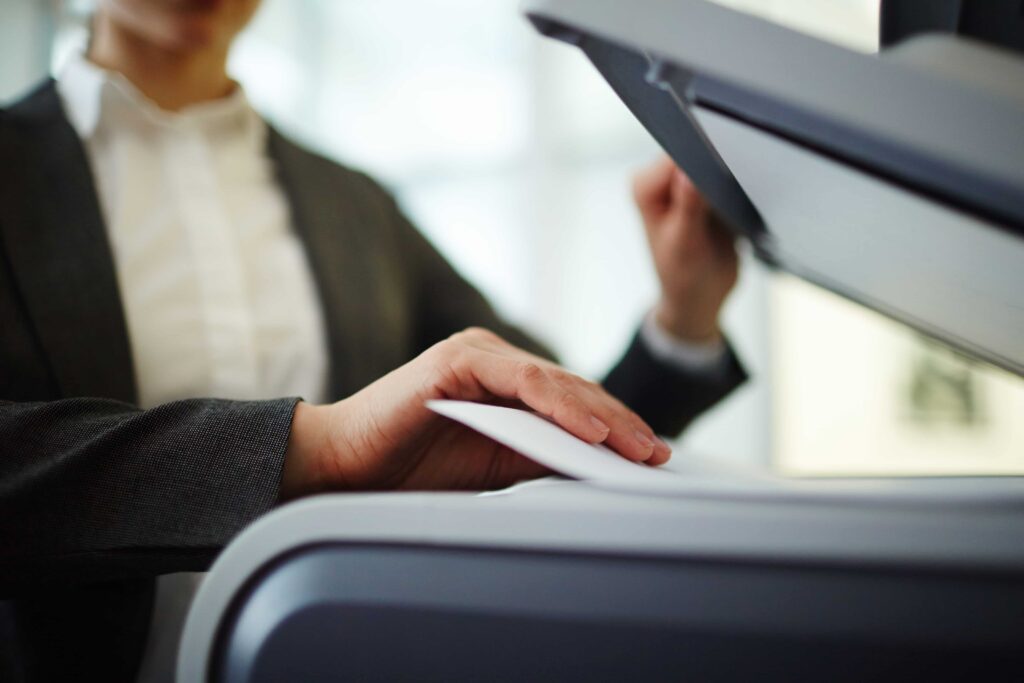


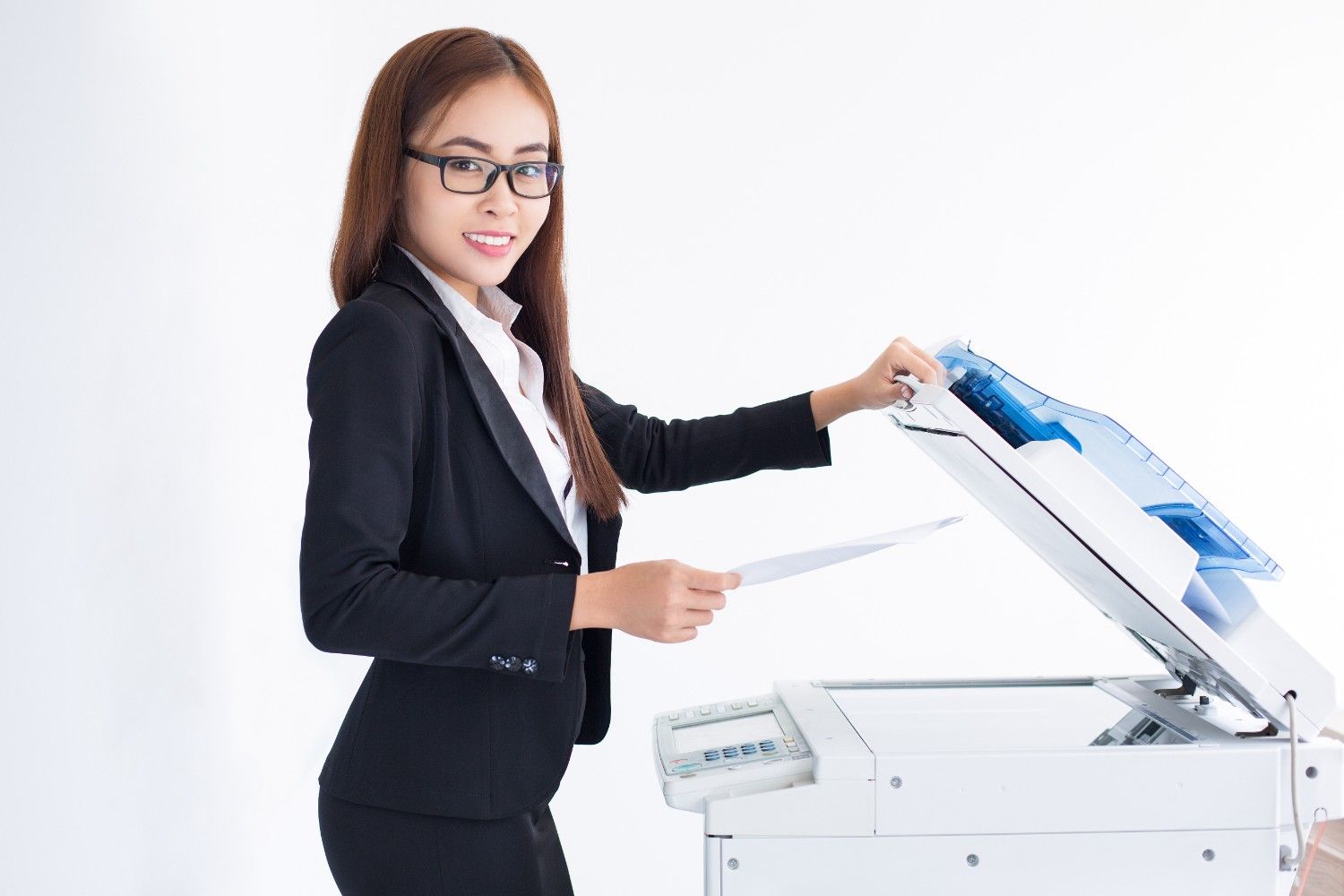
Offices print, scan, and copy papers each day, and a quality copier helps teams move work with speed and ease. Many offices now search for the right copier machine in Singapore they can trust for daily tasks. Yet the market holds many brands, and each brand offers its own tools, design, and strengths. The blog presents multiple copier brands that offices use for documentation. It also explains the production methods of each brand and the work environments that their machines support.
A copier machine stands at the centre of office work because teams print reports, scan forms, and copy papers within minutes, and a strong device helps staff finish tasks without delays. Many offices also connect copiers to digital systems so staff can send files from computers and phones, and the copier prints or scans those files with ease, keeping offices organised. A good copier machine delivers fast printing and copying, clear text and images, smooth scanning to digital files, and simple controls for staff. When these features run well, teams finish work faster and feel less stress.
Before you explore brands, it helps to understand what offices seek in a copier machine.
Busy teams print large sets of documents, and a copier with strong speed keeps work flowing so staff do not wait near the machine.
Reports, presentations, and forms need clear text, and sharp printing helps people read papers with ease.
Many offices move files into digital storage, and a copier with smooth scanning helps staff send documents to email or cloud storage.
Some copiers hold many sheets at once, which helps offices with heavy printing needs.
Staff use the copier each day, and clear buttons and simple screens help people finish tasks without confusion. These factors shape the copier experience in any workplace.
Brother builds machines known for strong reliability, and many offices choose Brother devices for daily document work.
Brother machines often show compact designs, which suit small offices or shared workspaces and fit well on desks or in small copier areas.
These Brother copiers produce sharp text and steady output, so offices that print reports or letters often rely on this brand.
The scanning tools help teams convert paper files into digital formats, letting staff scan documents to email, folders, or network drives.
Brother focuses on simple control panels, and staff learn the system with little effort. Because of this approach, Brother copiers suit offices that need simple, dependable machines for routine work.
Epson is known for its focus on printing technology, designing machines that handle both colour and black-and-white work.
Epson uses advanced ink systems in many machines, which deliver clear prints and steady page output.
Some offices print marketing materials or visual documents, and Epson machines produce bright colours and clear graphics.
Many Epson copiers support large paper trays, helping offices that print many pages.
Epson machines often run with efficient systems, which help reduce power use, making them suitable for offices that value resource care. Additionally, Epson copiers fit workplaces that print mixed content such as text, charts, and graphics.
Fujifilm Business Innovation builds advanced copier systems used in many offices across Asia, supporting complex document work.
Fujifilm copiers often show sturdy construction, so offices with heavy daily printing rely on this strength.
Many Fujifilm devices include tools that help teams sort and store documents, allowing staff to scan files and organise them with ease.
Office documents often hold private information, and Fujifilm copiers include security controls that help protect those files.
These machines connect with office networks so staff can print from many computers within the organisation.
Fujifilm copiers serve offices that handle large document volumes and structured workflows.
HP holds a strong reputation in the printing industry, and many offices around the world use HP devices for daily document work.
HP copiers deliver consistent output across many tasks, and offices depend on this reliability for daily printing.
Many HP machines connect with mobile devices and cloud systems, allowing staff to send files to print from laptops or phones.
HP machines produce crisp text and balanced graphics, helping reports and presentations appear clear.
HP often builds simple interfaces, and staff follow clear prompts on the screen to complete tasks.
Because of these features, HP copiers suit many office types.
Each copier brand brings different strengths. Some machines focus on speed, while others support advanced workflows.
Below are common areas offices compare when reviewing copier machines:
Large offices print thousands of pages each month. They often seek machines built for heavy use.
Small offices prefer compact machines that fit limited space.
Offices that move toward digital storage need strong scanning features.
Some organisations connect copiers to networks and software systems. When teams review these areas, they can select the copier options that suit their work style.
Many offices prefer guidance when selecting equipment, and a reliable supplier helps businesses explore copier options that match their work needs. Exotic Office Solutions works with a range of copier brands used in modern workplaces and supports organisations as they explore machines for printing, copying, and scanning tasks. The platform also shares helpful information about office technology, letting visitors review different equipment types and learn how these machines support daily office work. Teams can study available solutions and understand how each copier fits specific workflows, helping businesses make informed decisions before they invest in office equipment.
Brother, Epson, Fujifilm, and HP produce office equipment, which includes basic printers and sophisticated devices for document management systems. The brands offer distinct designs and features that operate with various strengths to meet different user needs.
Before choosing a copier, offices often review their document volume, workspace size, and digital workflow needs, which helps teams select equipment that supports their daily tasks. A clear understanding of copier brands allows businesses to plan their office technology with confidence. When the right copier enters the workspace, it supports productivity, organisation, and smooth document management for years to come.